





Time-Saving
Offers our transport companies dynamic slot bookings, to ensure that transport processing and gate-to-gate times in our plants in Wietersdorf and Peggau are as fast as possible
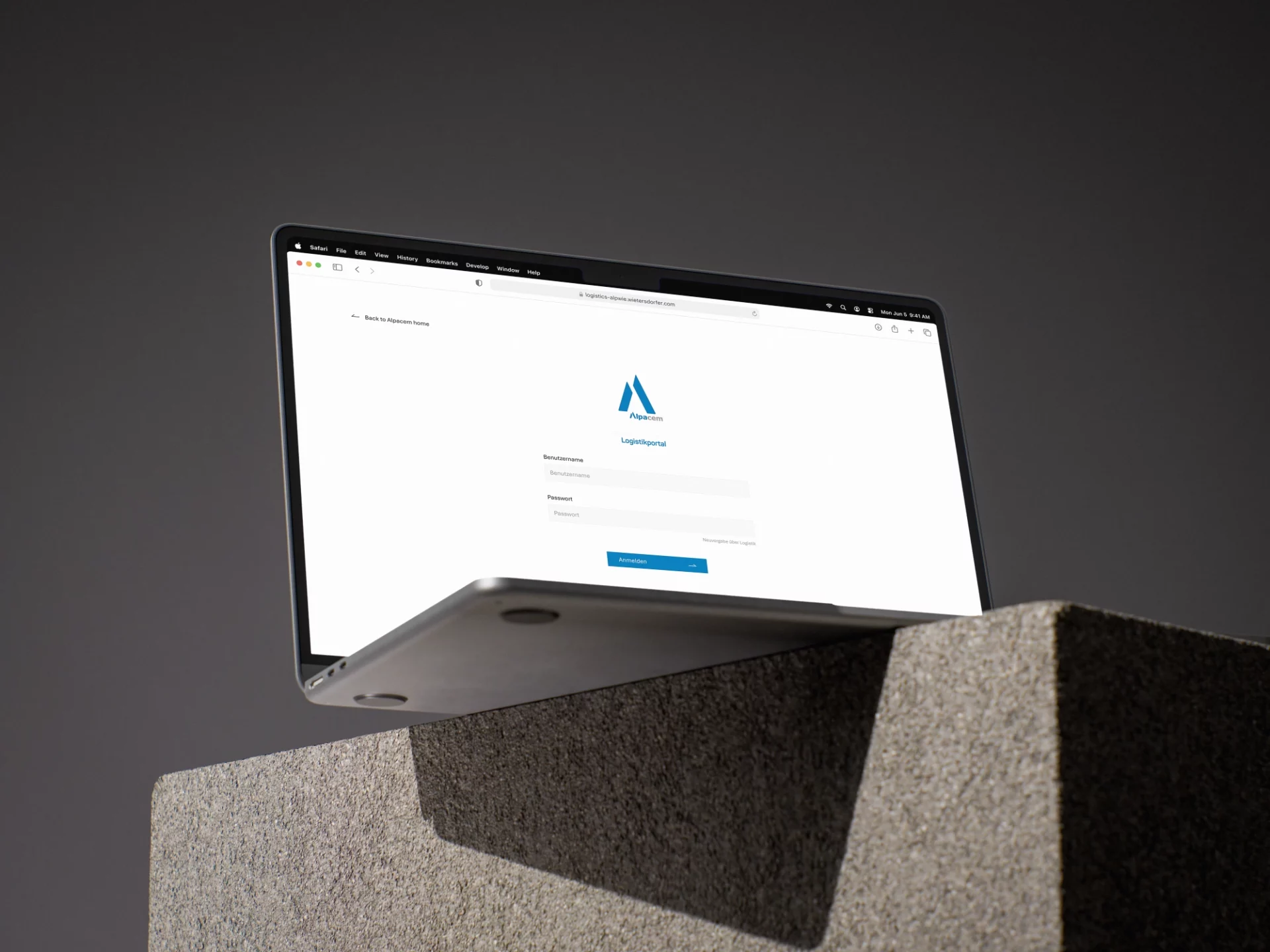
Efficient logistics. Transparent processes. Fast handling.
Access the portal
Factories
Platform
of efficient deliveries
With the online logistics portal, Alpacem makes transport management and lead times for our carriers and suppliers at our plants even more transparent and easy to overview.
After a one-time registration, pickup and delivery orders can be quickly and easily submitted via the web-based tool. With just a few clicks, an up-to-date schedule with time slots is available, and deliveries can be registered for the corresponding slots.
We are happy to assist you with the registration process.


After registering, you will gain access to your personal logistics portal area. Here you can view orders, book time slots, and manage shipments – simply, quickly, and securely.


Booking of time slots for your deliveries

Overview of all entered orders and their current status

Archive of all posted shipments and received goods

Manage users and their access authorizations within your company
Users who are created in the customer portal under user management can use the customer portal.
If there is already a user with administrator rights, this user can create additional users.
When the user opens the website, a welcome page with a login is shown.
The page also supports two-factor authentication to increase security. In this case, the user must enter an additional changing code. This code can be generated by authentication apps such as Microsoft Authenticator or Google Authenticator.
With the customer/employee portal, it is possible to manage registrations and view general as well as detailed information about deliveries and collections.
The portal can also be used for general communication with the customer.
The portal includes the following modules:
In the BLS main system, a time slot must be defined. Framework orders can then be dragged and dropped into the time slot.
In the planning overview, the time slots and the remaining available deliveries are shown.
By clicking on the time slot, the following options are available: reject, cancel, release, copy, delete, and view or change the status.
To operate the website, a virtual machine with Windows Server 2019 Datacenter or newer is required.
It requires 60 GB of disk space, 8 GB of RAM, and a CPU with 4 processors and at least 2.2 GHz.
The administrator of the respective company can create a new password for the user.
Please contact Alpacem:
In case of technical problems, please contact Alpacem:
T: +43 4264 3131 1710, +43 664 393 58 81
If we can help or the issue concerns us, Alpacem will contact us in the next step.
Only authorized person can access the data, as access is protected by two-factor authentication
Log in to the Alpacem Logistics Portal and benefit from transparent workflows, fast turnaround times, and simple planning – all in one place.